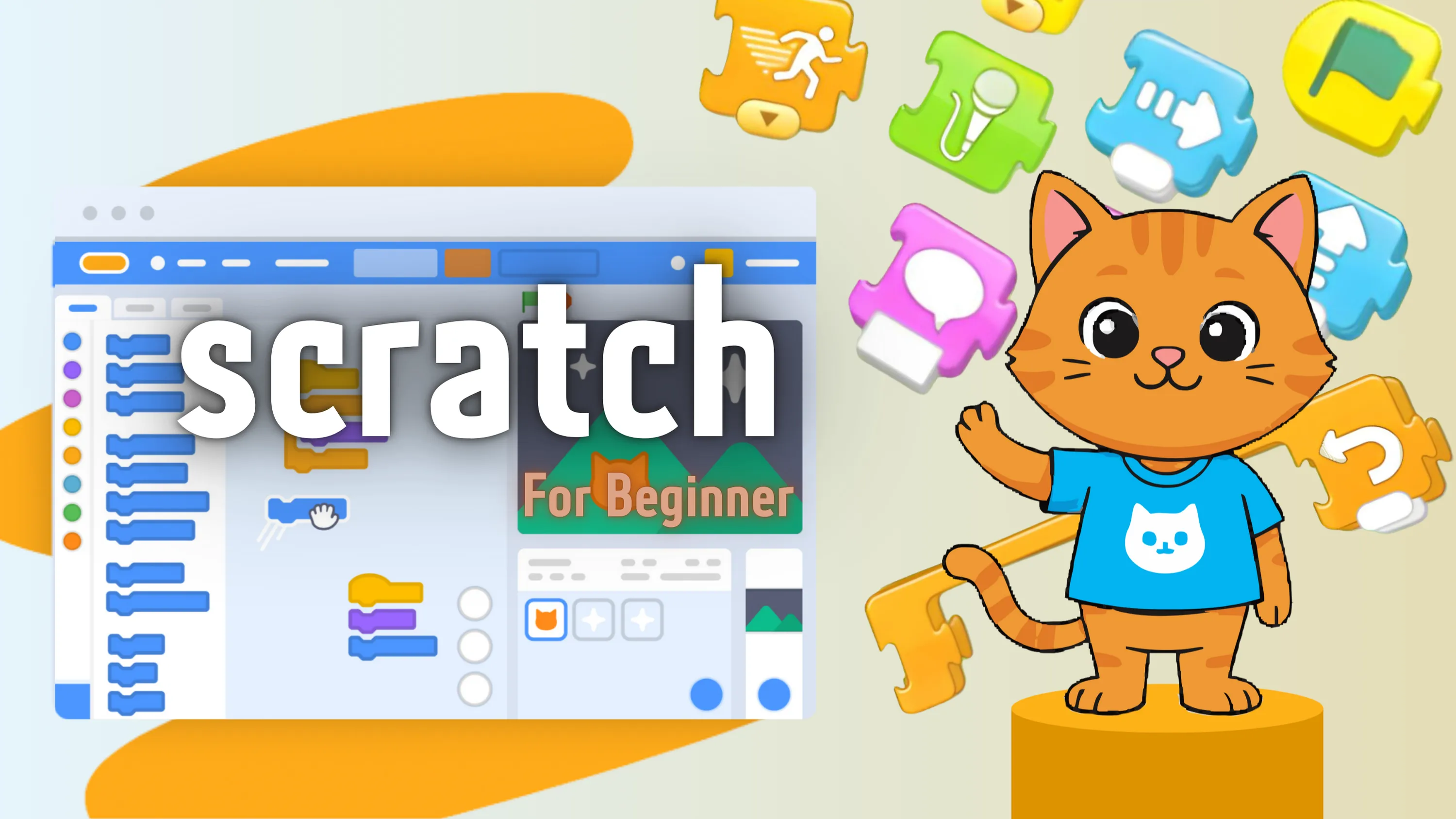
Scratch is a powerful, visual programming language that provides a great introduction to the world of programming. By snapping blocks together, you can create amazing animations and games.
Through this course, you’ll learn how to navigate the Scratch programming environment, create your own programs, and share your creations.
Along the way, you’ll learn about the key programming concepts of sequence (the order of commands in a program), repetition (one or more commands being run a number of times), selection (a set of commands being run if a condition is met), and variables (a named piece of data that stores information that can be accessed and changed by a computer program), and how you can best make use of them.
You’ll also become part of the Scratch community, and remix (where you use someone else’s work as the starting point for your own creation) other people’s work.
Category:
Enrollments
Level
Time to Complete:
Lessons:
Certificate:
Yes
One-time for 1 person
Scratch is a powerful, visual programming language that provides a great introduction to the world of programming. By snapping blocks together, you can create amazing animations and games.
Through this course, you’ll learn how to navigate the Scratch programming environment, create your own programs, and share your creations.
Along the way, you’ll learn about the key programming concepts of sequence (the order of commands in a program), repetition (one or more commands being run a number of times), selection (a set of commands being run if a condition is met), and variables (a named piece of data that stores information that can be accessed and changed by a computer program), and how you can best make use of them.
You’ll also become part of the Scratch community, and remix (where you use someone else’s work as the starting point for your own creation) other people’s work.
Lessons
Quizzes
Tasks
Resources
(Average)
Want to receive push notifications for all major on-site activities?