Sprites, Backdrops, and the Stage
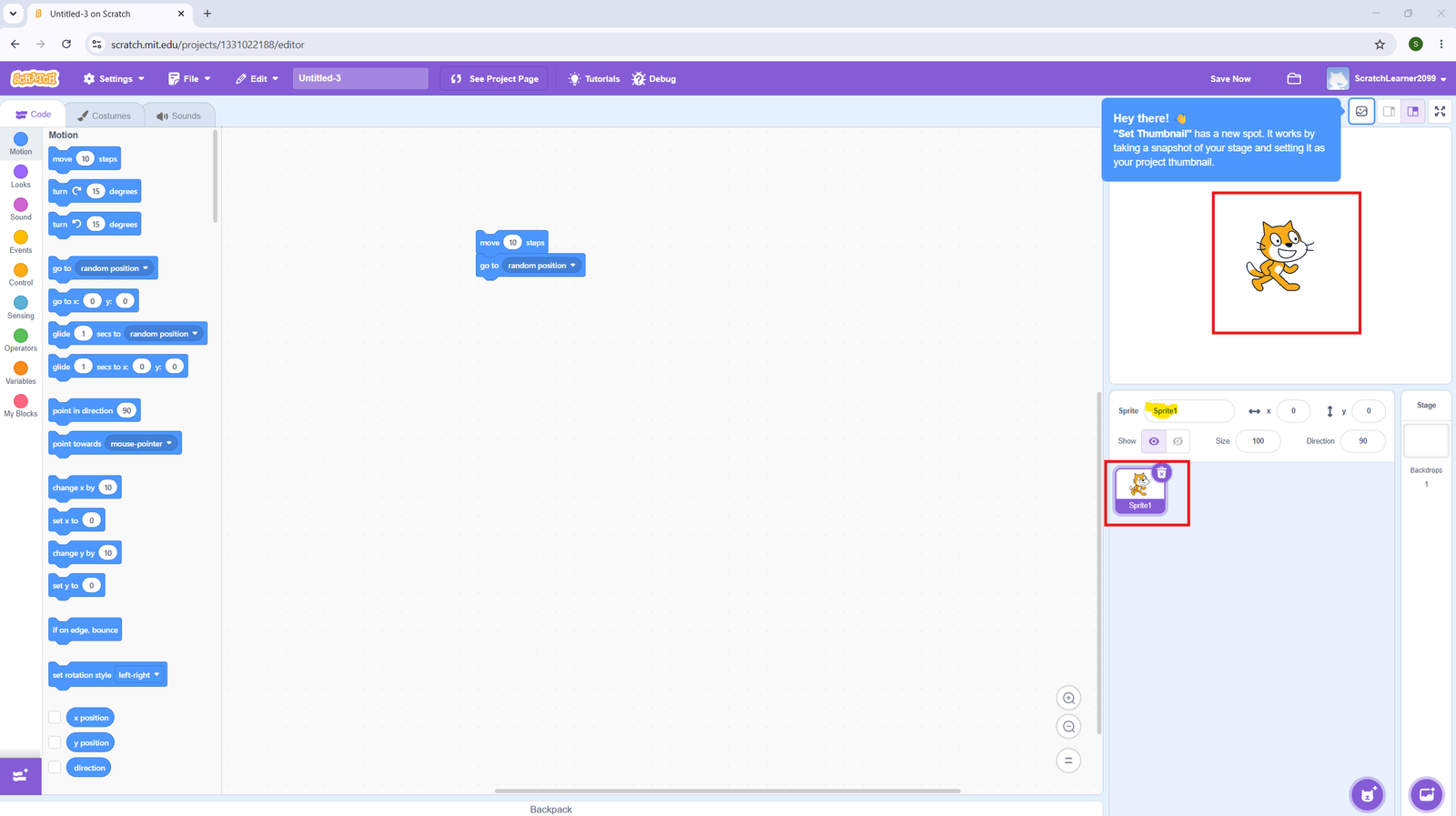
What is a Sprite?
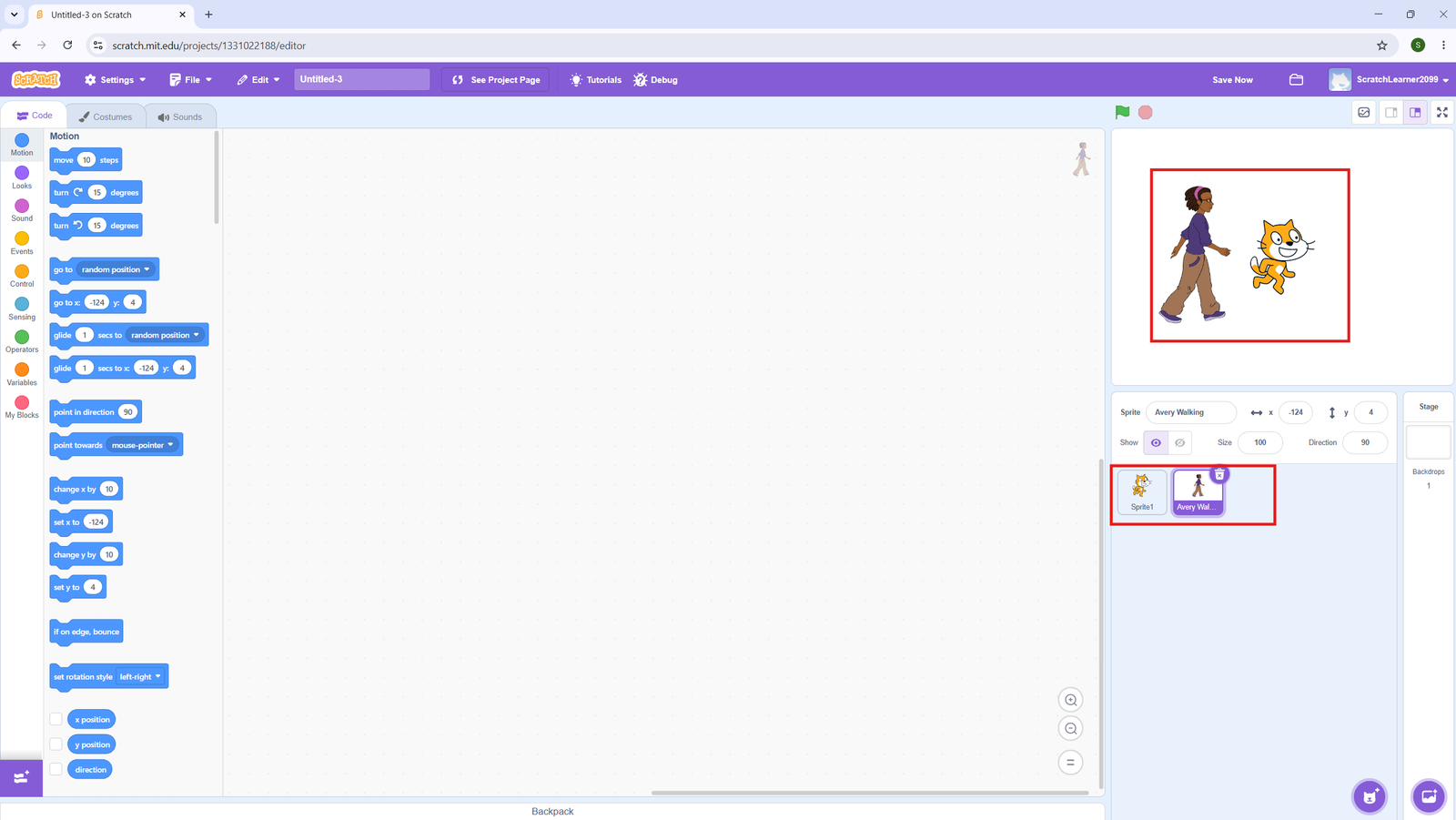
A sprite is any character or object in your Scratch project — a cat, a ball, a button. Each sprite has its own code, costumes, and sounds.
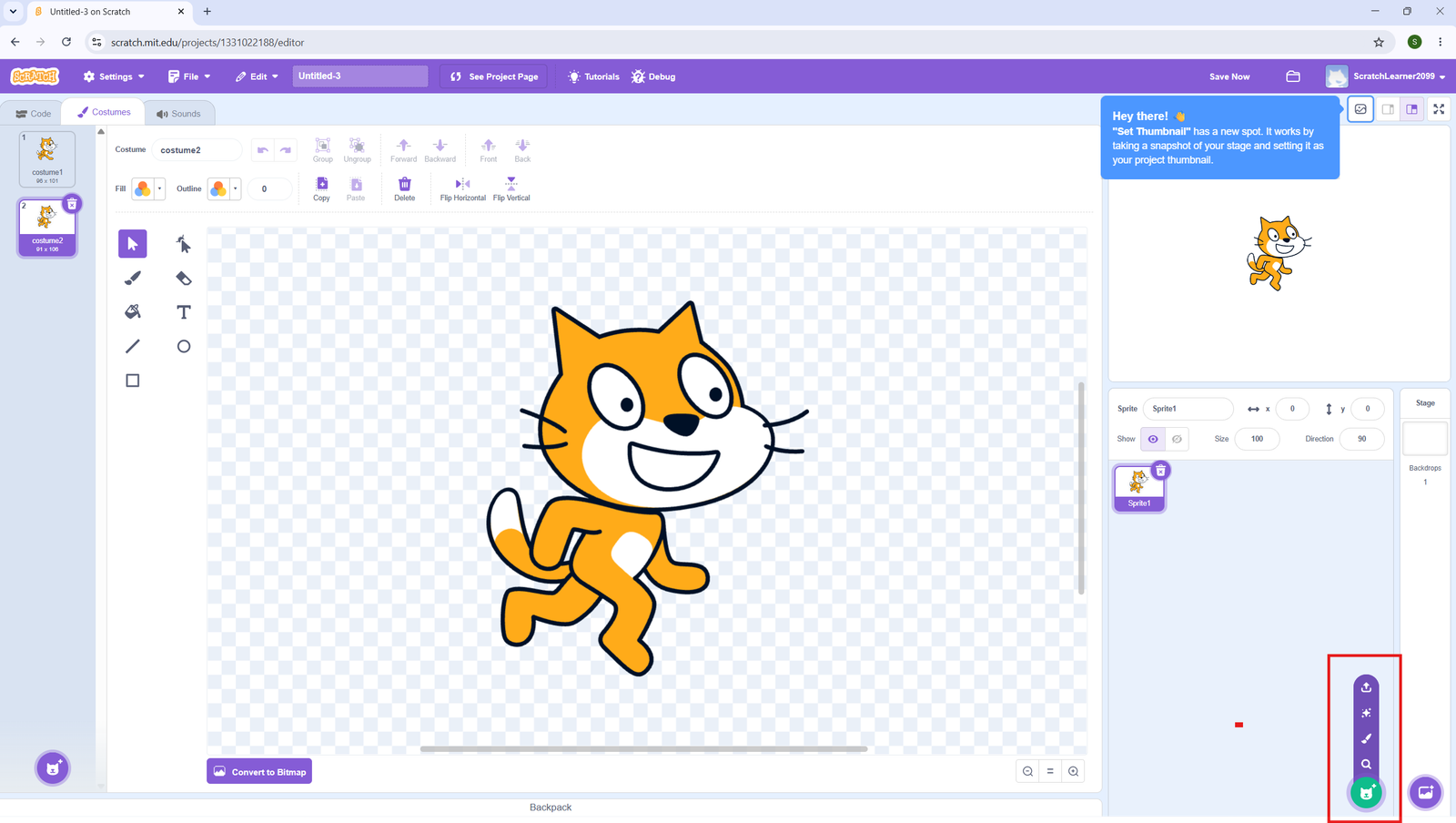
Adding a Sprite
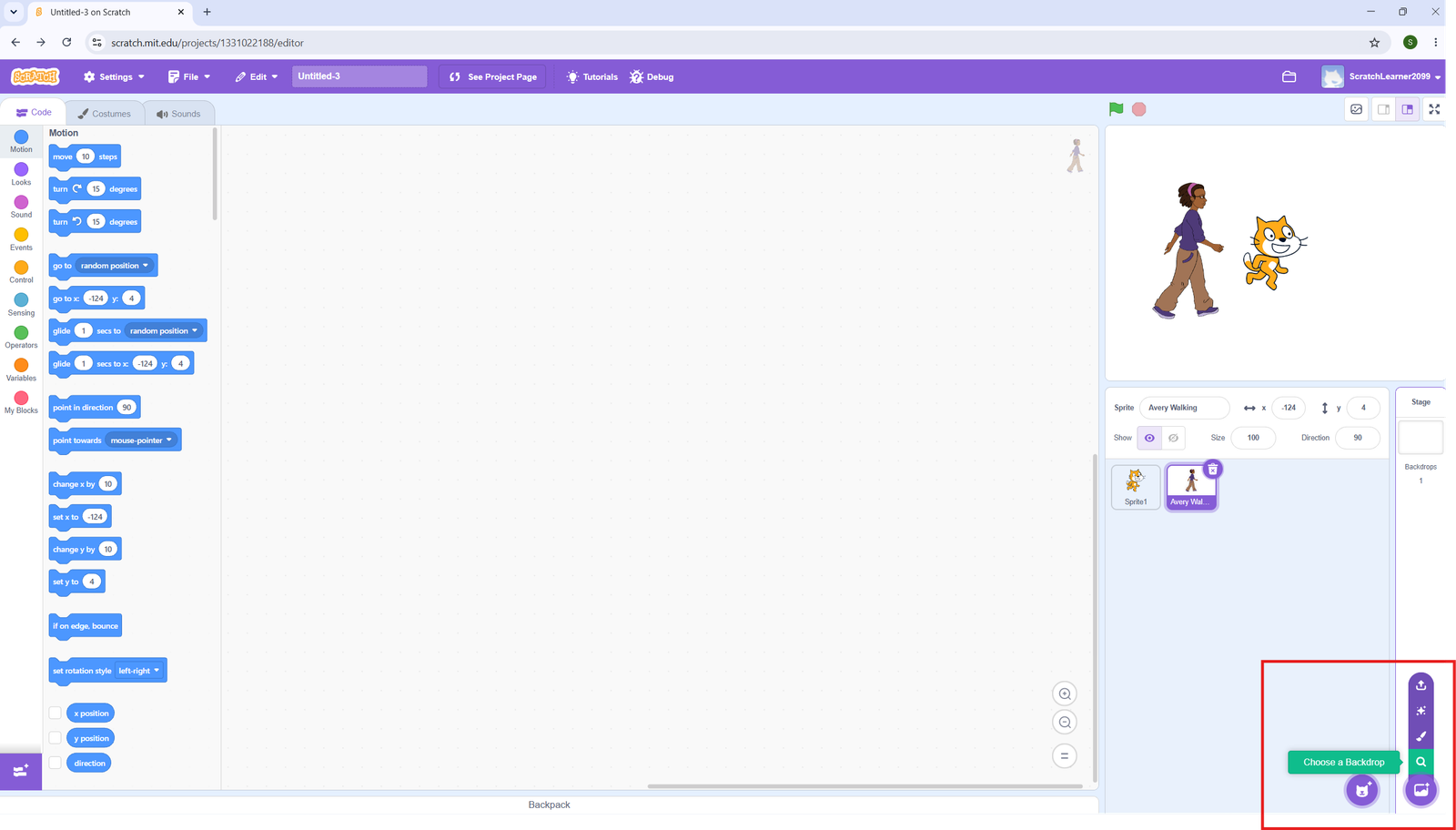
- Click the cat icon at the bottom of the Sprite List → Choose a Sprite.
- Browse the library and click any sprite to add it.
- To upload your own image, click Upload Sprite.
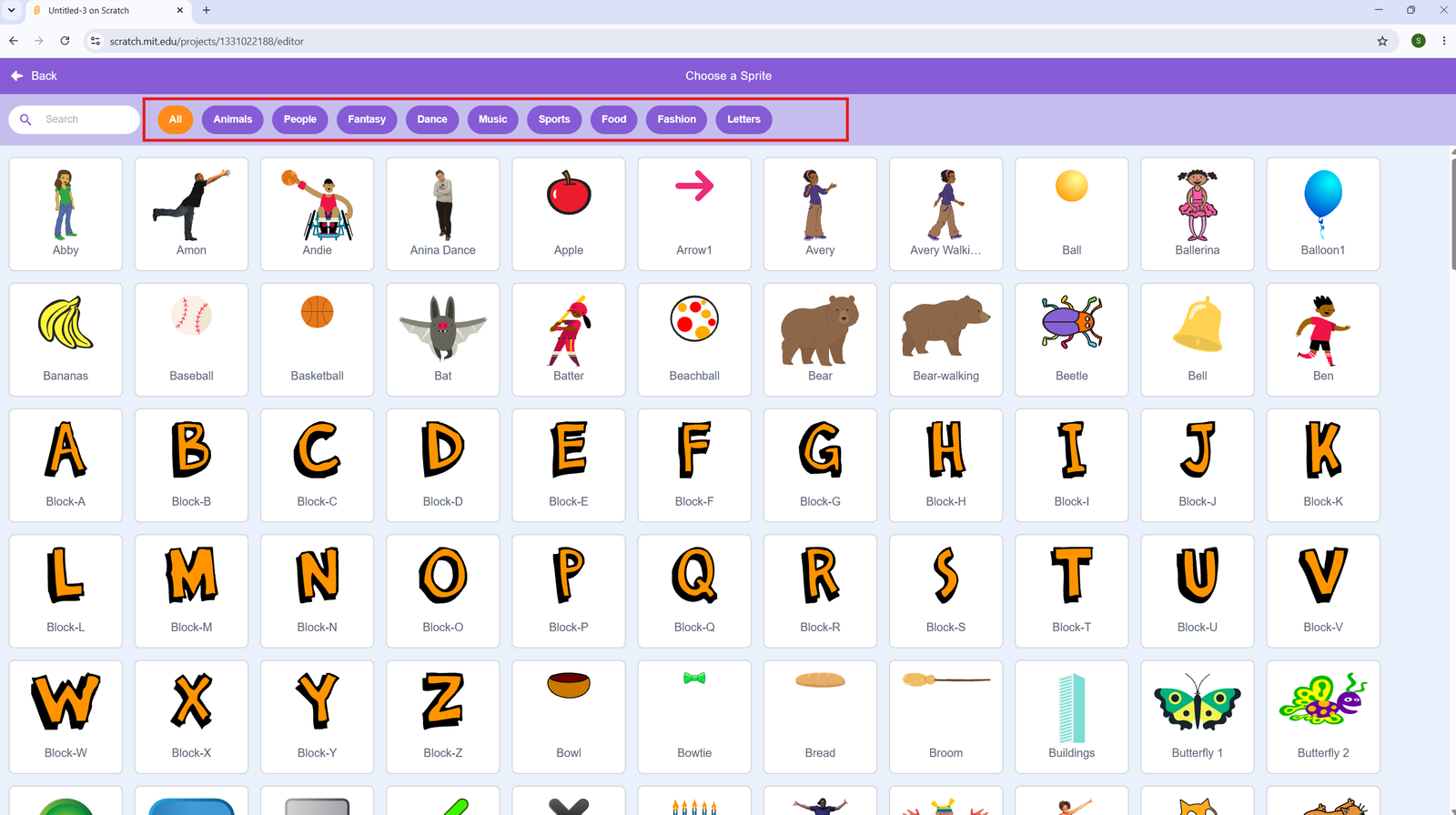
What is a Backdrop?
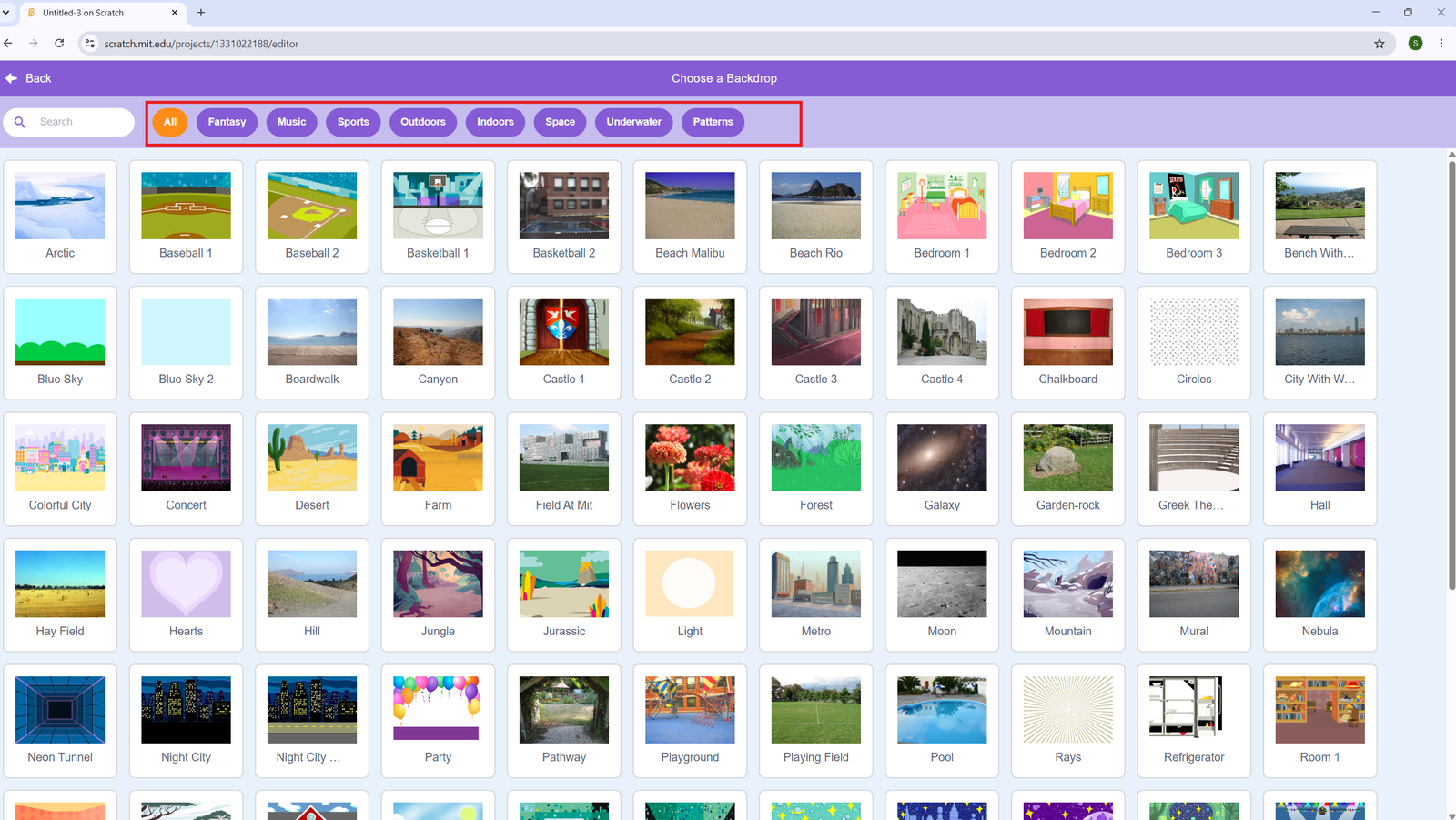
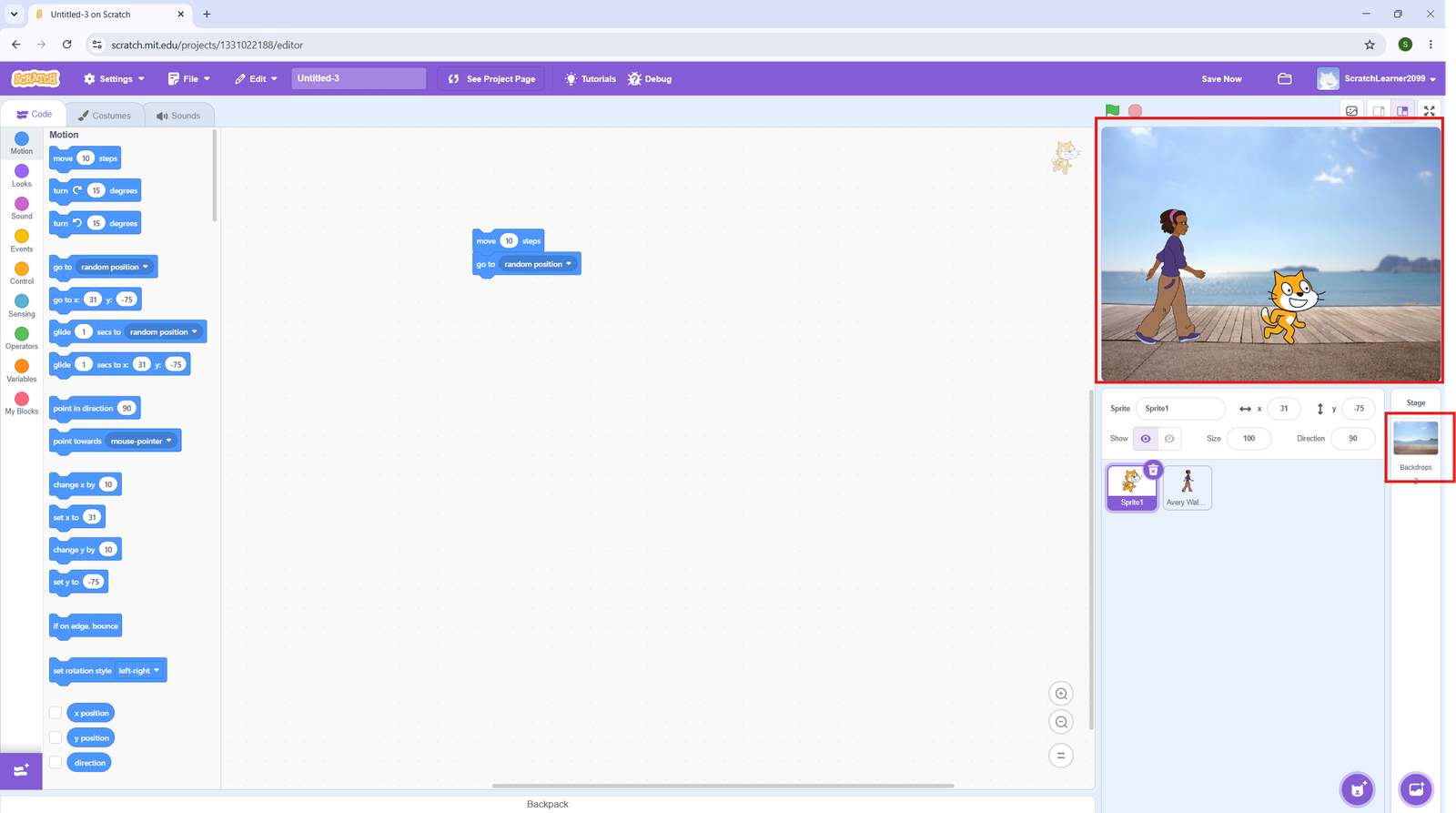
A backdrop is the background image of the Stage. Click the Stage thumbnail (bottom right) → Choose a Backdrop to pick one from the library.